The dapp-agoric-basics Tutorial
Introduction
In this tutorial you will install the dapp-agoric-basics dapp. This dapp is a collection of basic use cases for Agoric smart contracts.
To begin, you will need an environment with the pre-requisite components installed as outlined in the Getting Started guide. If you have already completed the Getting Started tutorial you can use the same environment.
Downloading the dapp
Pull down the dapp from Github:
yarn create @agoric/dapp --dapp-template dapp-agoric-basics agoric-basicsInstalling dapp components
Next, run the yarn install command from the agoric-basics directory:
cd agoric-basics
yarn install
Starting the Docker Container
Start the Docker container:
yarn start:dockerAfter a few minutes, check to make sure blocks are being produced by viewing the Docker logs:
yarn docker:logsStarting the dapp
Start the dapp-agoric-basics contract:
yarn start:contractStart the user interface:
yarn start:uiNext, open a browser and navigate to localhost:5173: 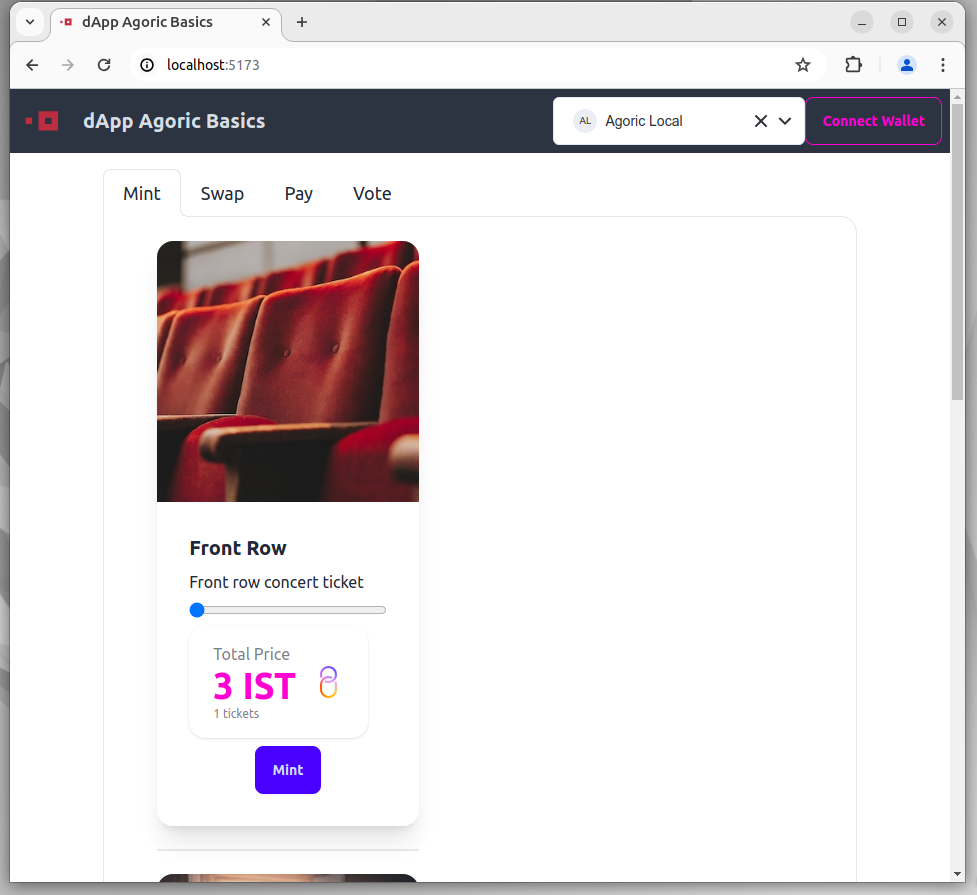
From the UI, select the 'Connect Wallet' option. Choose 'Keplr' from the 'Select your wallet' screen: dapp-agoric-basics-002 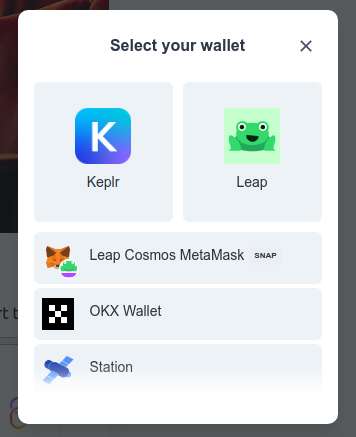
Approve the connection in Keplr: dapp-agoric-basics-003 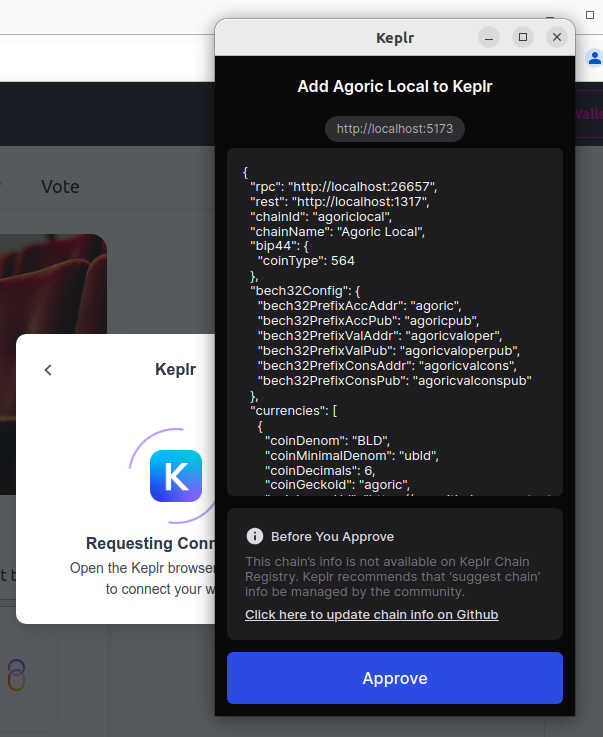
Select a ticket to purchase and click the 'Mint` button to mint a ticket. Approve the transaction in Keplr: 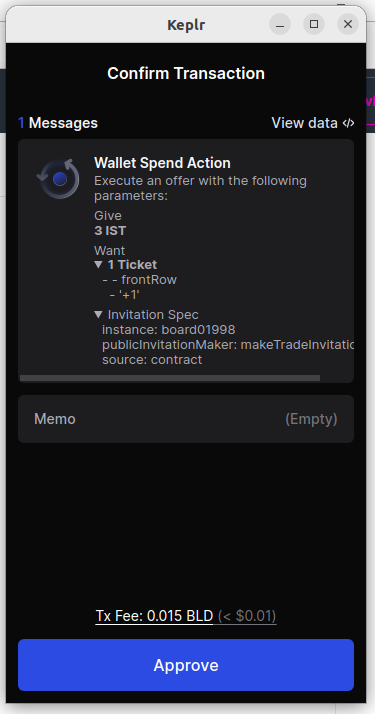
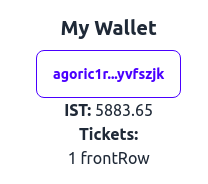
Once the transaction has completed, you will notice the tickets in your wallet: